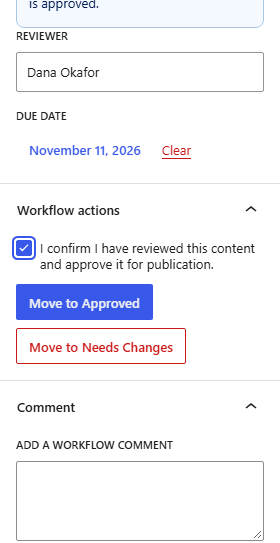
An administrator turns on attestation, then Dana approves a post.
- In Settings, open the Review attestation tab, tick Require approvers to confirm they reviewed the content, and click Save changes.
- Dana opens a post at Review. Under AI use, Dana picks how the post was made, here AI-assisted. This is a declaration that is saved in the activity log. The plugin does not detect AI use itself.
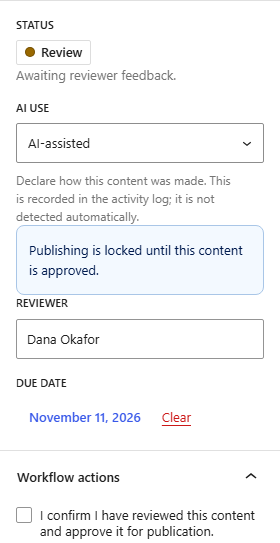
- Move to Approved stays disabled until Dana ticks I confirm I have reviewed this content and approve it for publication. Dana ticks it, clicks Move to Approved, and confirms. The confirmation is saved with the approval.