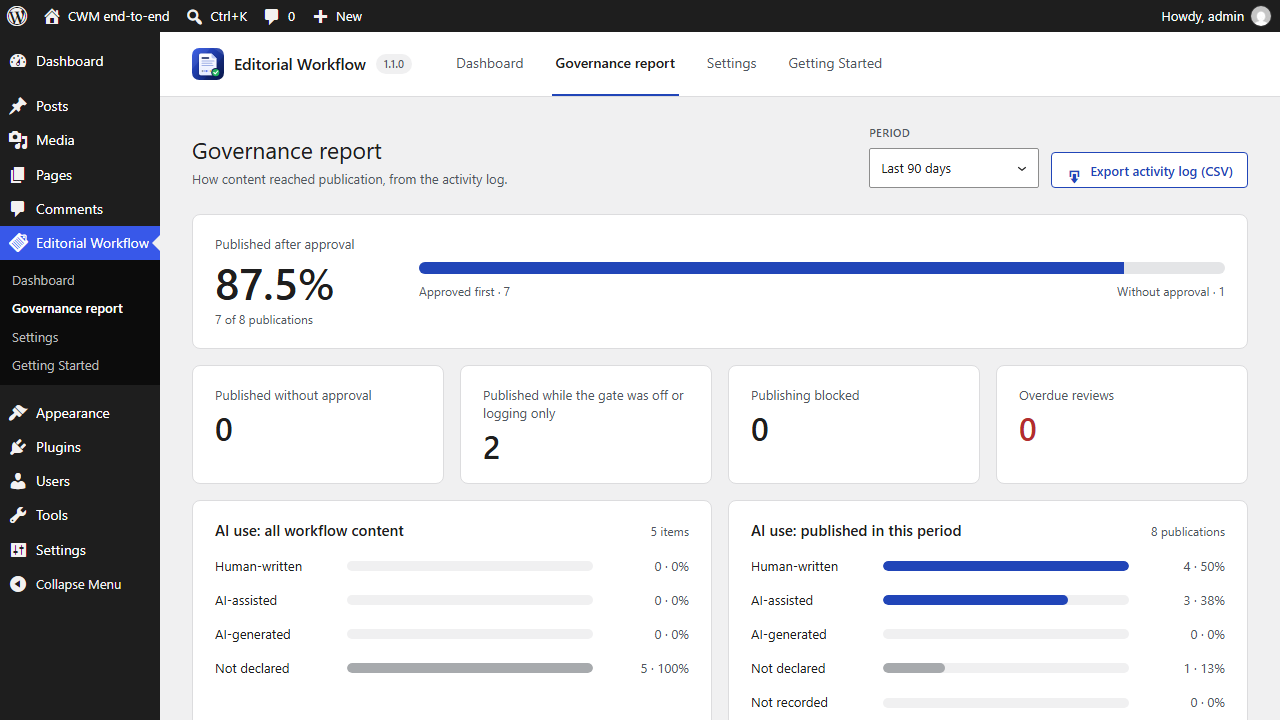
Anyone who can see workflow activity can use the dashboard. The governance report is for administrators.
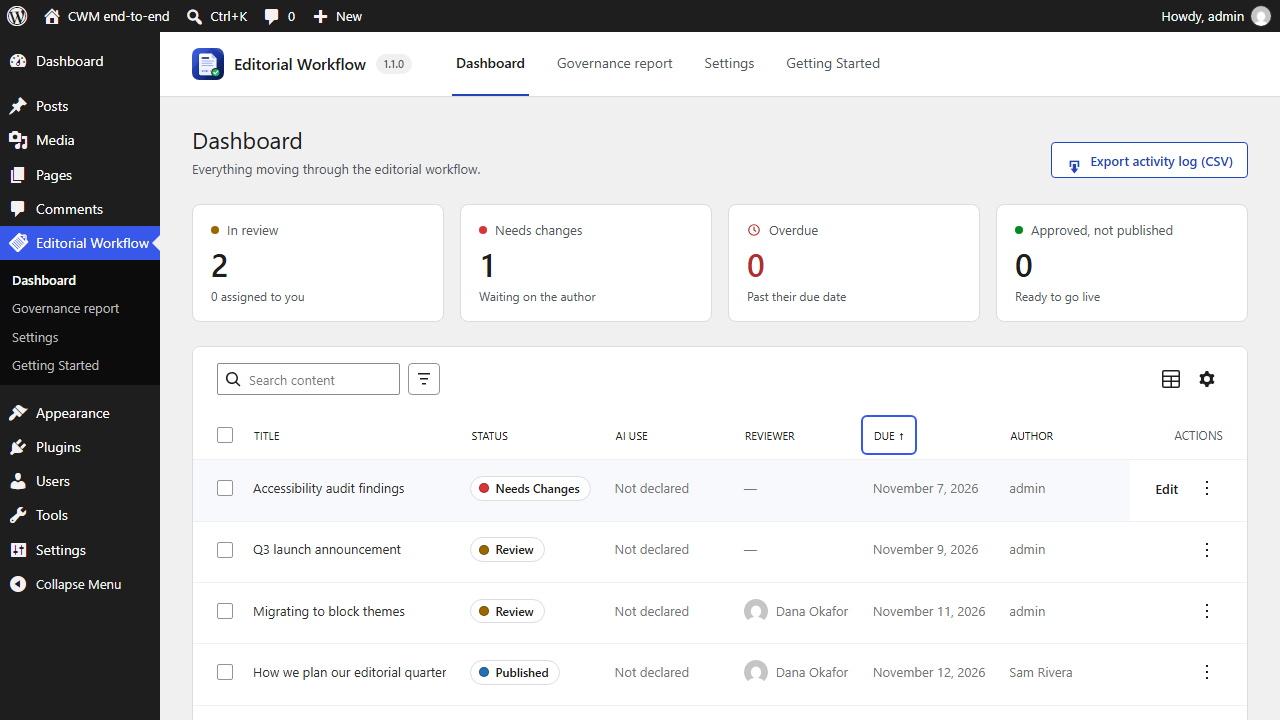
- Go to Editorial Workflow  Dashboard. The tiles at the top count what is in review, waiting on the author, overdue, and approved but not yet published. The table lists every post in the workflow.
- Click the Due column header and choose Sort ascending to see what is due soonest.
- Click Add filter, choose Status, then Review. Only the posts waiting for review are left.
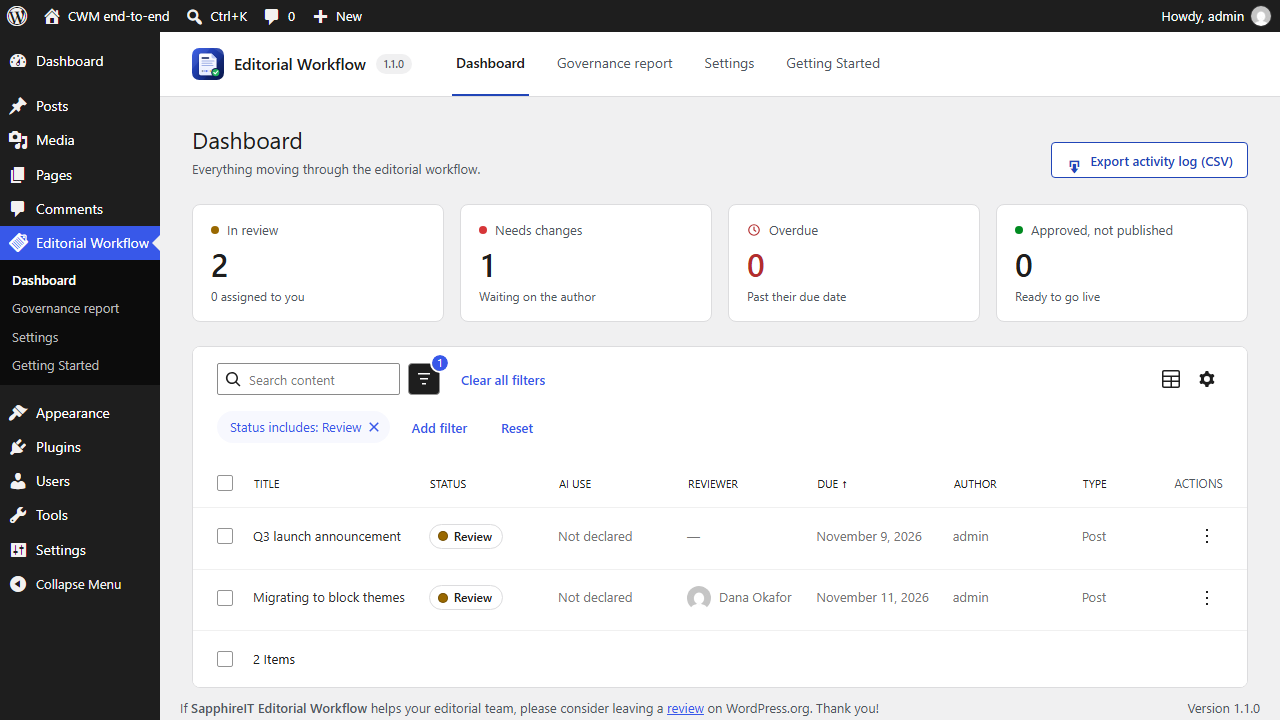
- Type in Search content to find a post by its title, then click the title to open it in the editor.
- As an administrator, go to Editorial Workflow  Governance report. Like Settings, it needs
sit_cwm_manage_workflows. It shows what share of publications were approved first, how many went out while the gate was off or on Log only, how many were blocked, and how AI use was declared. Choose the period at the top.